
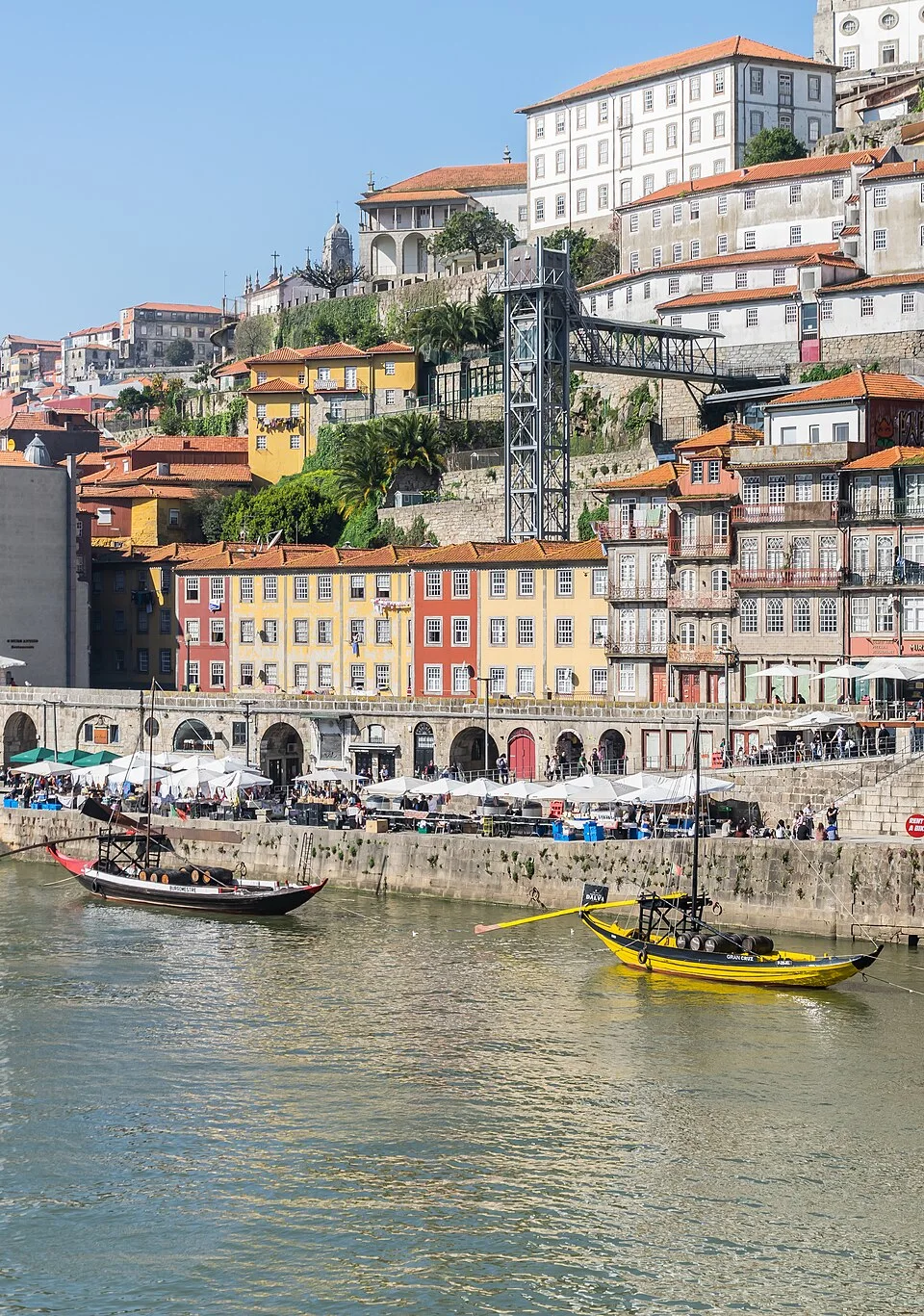
Location shown
Ribeira, Porto
Visual clues: Colorful waterfront buildings beside the Douro River.
View result
 PicWhereSign in
AI photo location finder
Where was this photo taken? Upload it to explore possible locations, check the map and review the clues.
Drop it here, or paste an image from your clipboard.
JPEG, PNG or WebP · Up to 8 MiB each · 1–10 photosA closer look
Explore candidate places, map coordinates, visual clues and available sources. Precision depends on the photo.
Illustrative preview41.139784, -8.609436
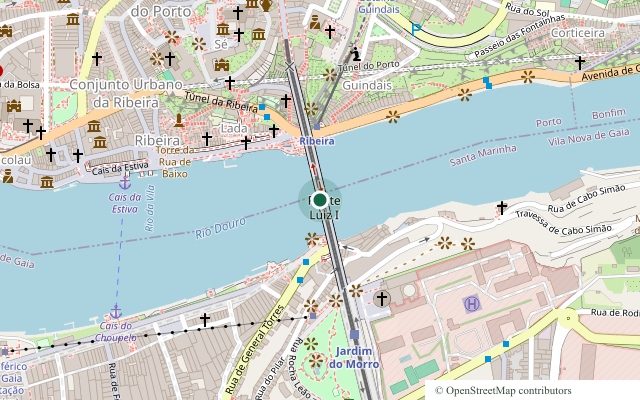
© OpenStreetMap contributors
Colorful waterfront buildings line the Douro River, with the bridge and hillside nearby.
This preview uses a published photo and its source camera coordinates.
Keep your findings
See the photo, location and map in a PDF, or keep location and source fields in a CSV. PDF and CSV downloads are included with Pro.
Illustrative sample based on the photo source; actual results depend on the image.
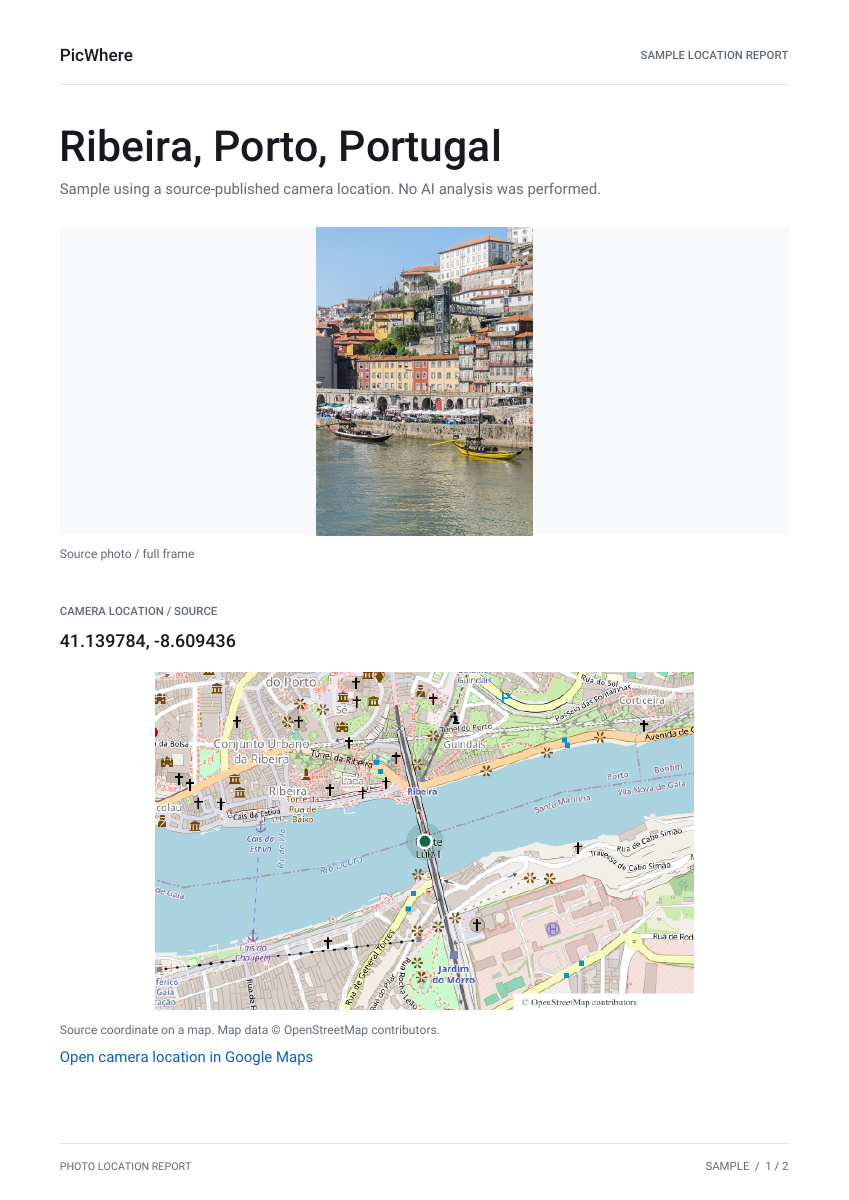
Photo to place
Click a photo to turn it over and see its result preview. These screenshots use documented locations.
Location shown
Visual clues: Colorful waterfront buildings beside the Douro River.
View result
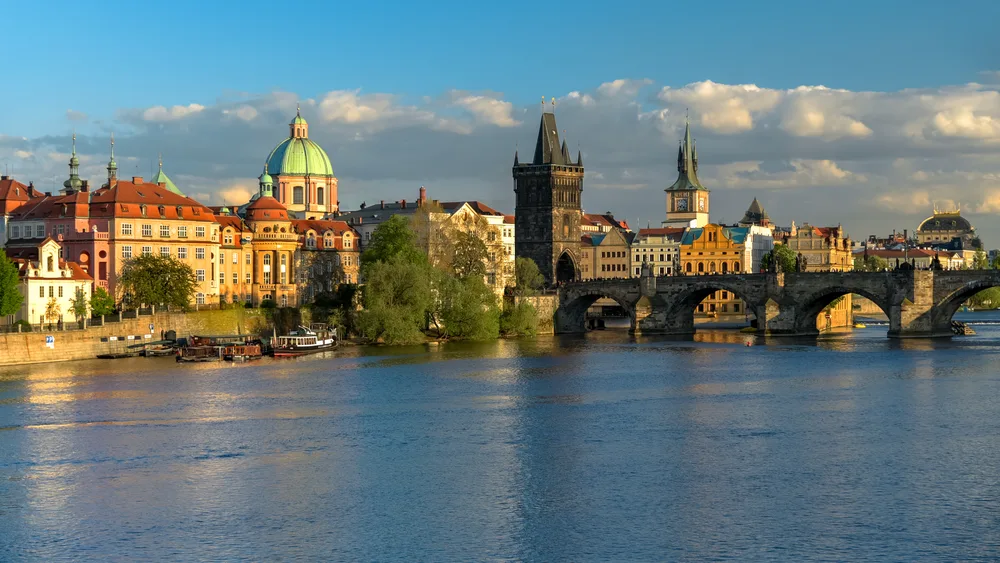
Location shown
Visual clues: Stone bridge arches, a Gothic tower and riverside domes.
View result
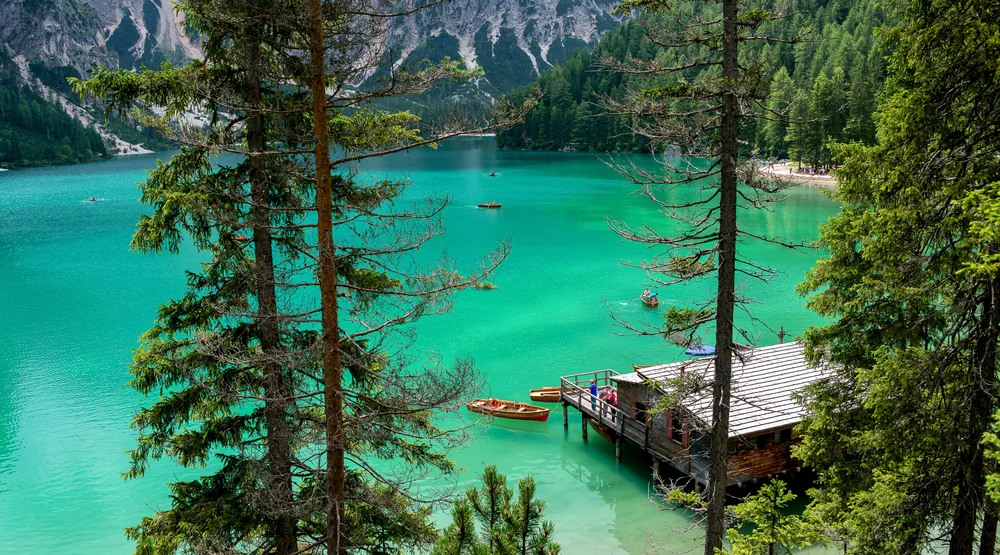
Location shown
Visual clues: Turquoise alpine water, forested slopes and a wooden boathouse.
View result
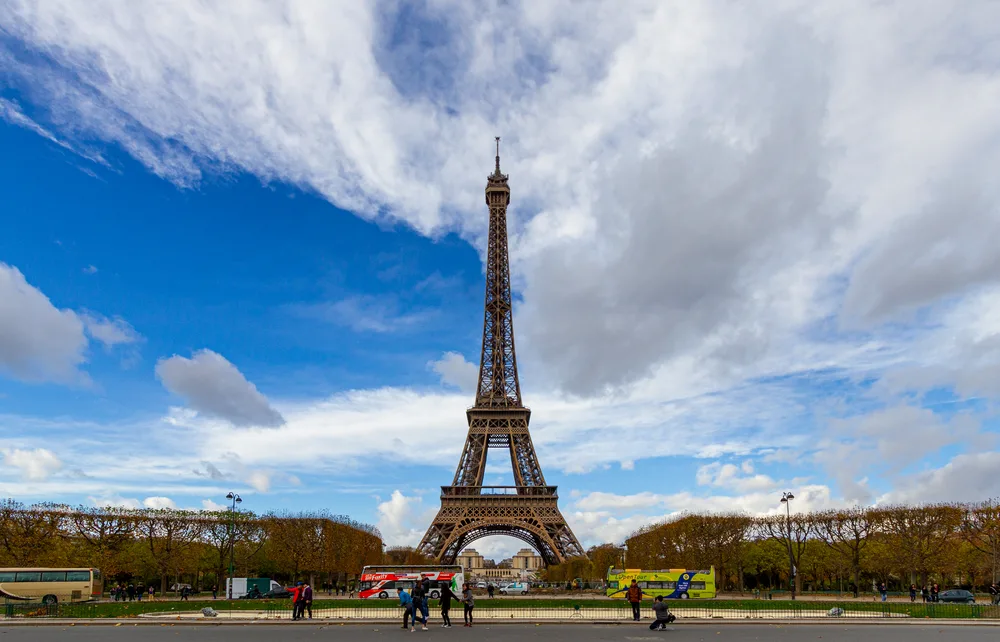
Location shown
Visual clues: The iron lattice tower seen from the Champ de Mars.
View result
How to search
A street, building or landscape in a photo can provide clues to its location. Use this photo location finder to explore possible matches.
Choose, drop or paste an image, then sign in to analyze it. Review the suggested locations, map and visual clues before checking the available sources.
Add 1–10 images and review each result individually. Each photo uses one credit; the total appears before you confirm.
Scan the code on your phone to send a photo to your computer. Return to the workspace to confirm the analysis.
View a result and map on your phone. Pro includes PDF and CSV report downloads.
See report previewBefore you upload
What to know before you analyze a photo.
Yes. The tool can analyze visual details even when a photo has no location metadata. A useful suggestion still depends on what is visible in the image.
Not always. Distinctive landmarks and readable signs can help. A generic landscape, tight crop, or dark interior may only support a broad area—or no reliable location.
Yes. Sign in before starting an analysis. Each image uses one credit, and batch mode shows the total before you confirm.
Use JPEG, PNG, or WebP files up to 8 MiB each. You can add up to 10 images in a batch. If your phone uses HEIC, export a JPEG copy first.
Pro report exports include PDF and CSV. You can also send a result to your phone to view the location and download reports available with your access.
No. Treat a location suggestion as a lead. Compare the visible scene, map, and available sources before treating the place or camera position as confirmed.


